Git version control system
The test suite uses Git to track changes you and other make. During Test suite installation we cloned the test suite repository to your local machine, we made a local copy. This means, that in order to get changes from other contributors or publishing your changes you need to use Git version control workflow.
Git is a powerful tool and while the basic usage is relatively simple, it can quickly escalate into a complex system. Here are few resources trying to get a bit of introduction: Git videos, A Visual Introduction to Git, Grip on Git
Managing your changes with Git
Your standard workflow to manage changes (in plain english), can be described as follows:
- You need to update your copy of the test suite with changes from other users from GitHub
- You make your changes in one or more *.feature files
- You need to publish your changes to GitHub
In Git parlance we can express the above as:
- You need to pull changes from remote repository on GitHub, command
git pull - You make your changes in one or more *.feature files
- You stage your changes to your local repository, command
git add FILE - You commit your staged changes to local repository, command
git commit -m 'MESSAGE' - You push your changes to the remote repository on GitHub, command
git push
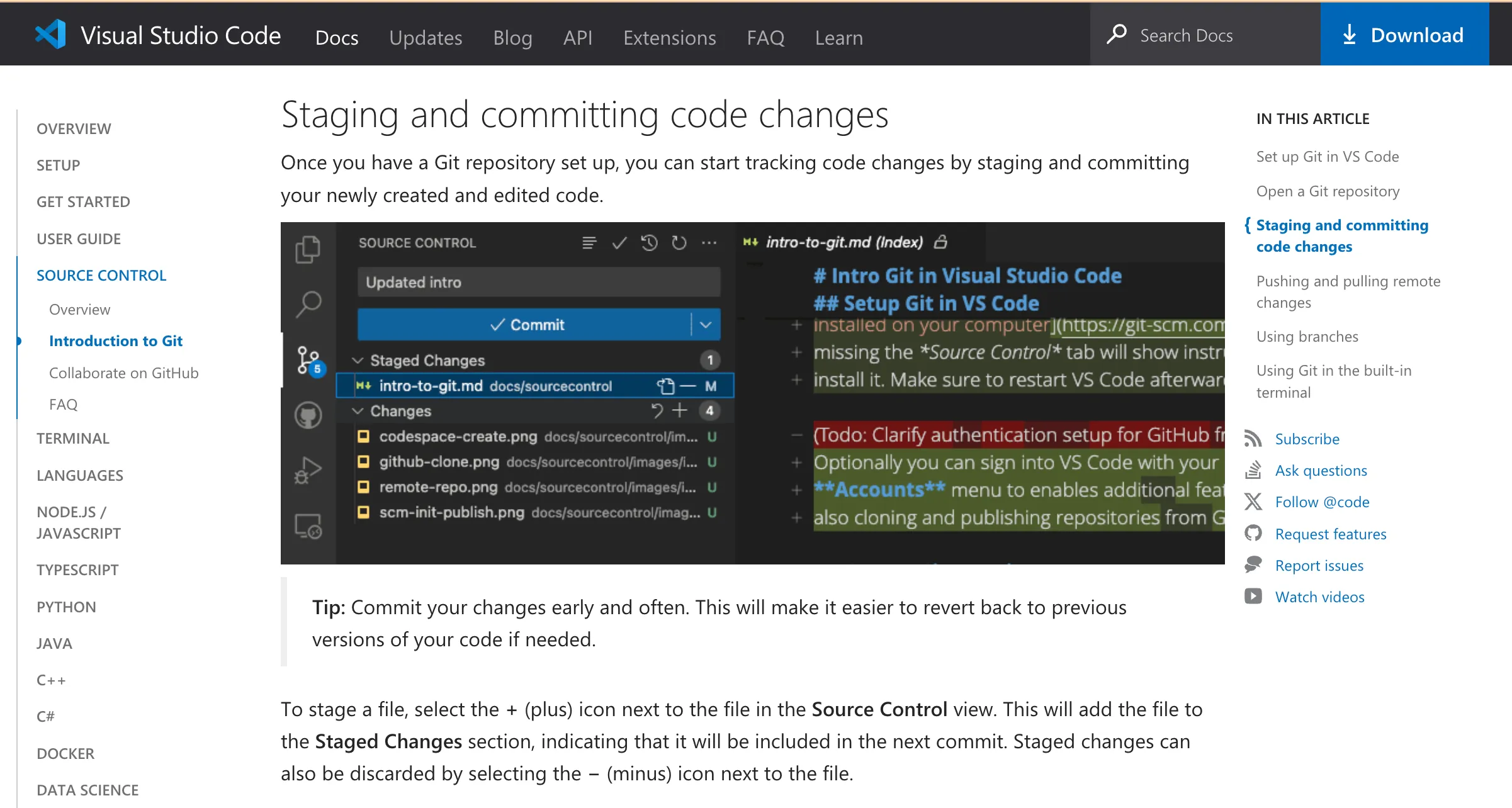
While this may sound scary, it can be achieved visually and within a VSCode, hiding most of the complexities of the workflow. The VSCode provides excellent documentation how to achieve this in the Introduction to Git in VS Code article.
Tips
-
You need to use the above workflow for all changes to the test suite, there are no exceptions. If change is not committed and pushed it will only be on your machine.
-
To make your life easier get into habit to update your local repository and publish your changes often.
-
Version control can become quite complex at times, don’t hesitate to contact QA / Developer you’re working together on the feature or test suite update.